
GXLab allows you to have multiple project boundaries however, you may just want to view a specific boundary, without presenting all boundaries. To do this you will need to navigate to our Analytics feature.
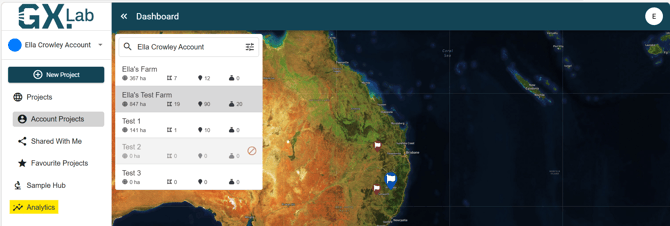
Navigate to the GXLab Dashboard and select 'Analytics' on the left-hand side.
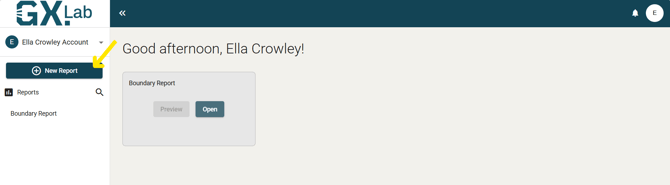
In the top left select the ' New Report' button
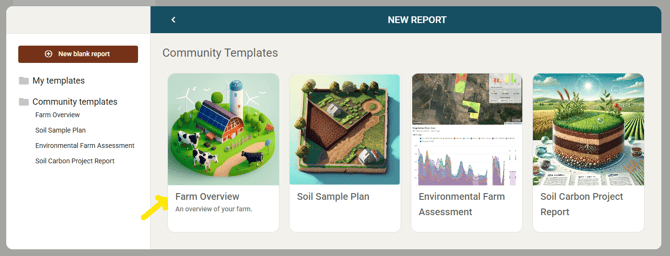
Select the 'Farm Overview' report template
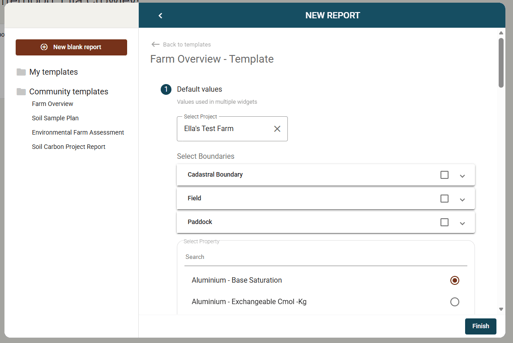
Type in the project you are wanting to view and select 'Finish'
Select the 'Add Widget' button in the top right-hand corner.

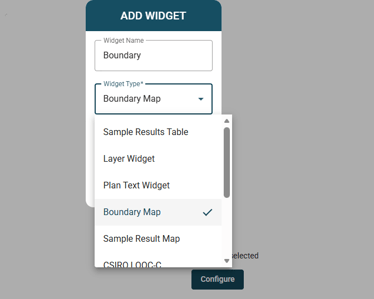
Give the Widget a name, select the Widget Type as Boundary Map, half page and OK
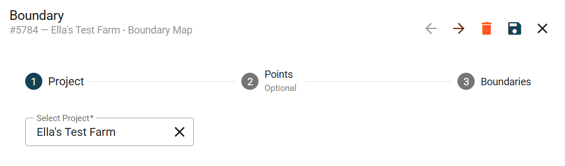
Follow through the steps, selecting the project you wish to view and clicking the arrow.
On the 'Points' page tick the 'Display Points' box if you wish them to be visible with boundaries, if not leave unticked.
It will then give you the list of boundaries you have on that project, this is where you can specifically select single or multiple boundaries to preview.
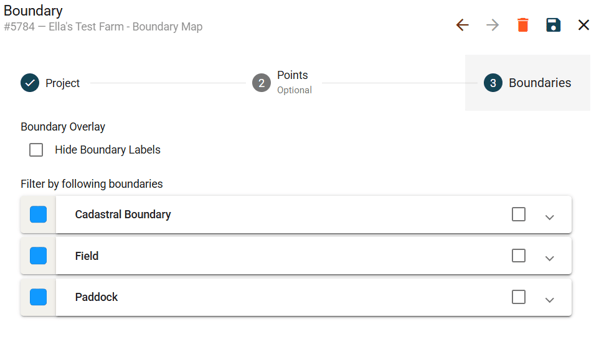
Press Save  and your selected boundaries will display