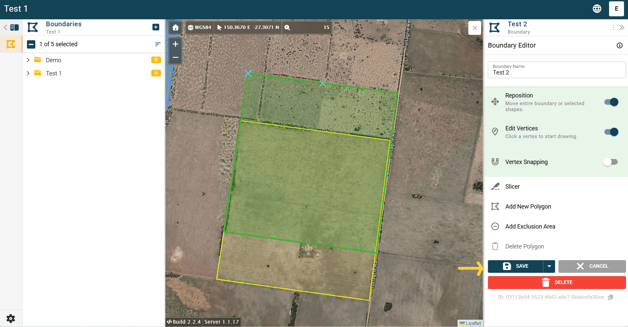
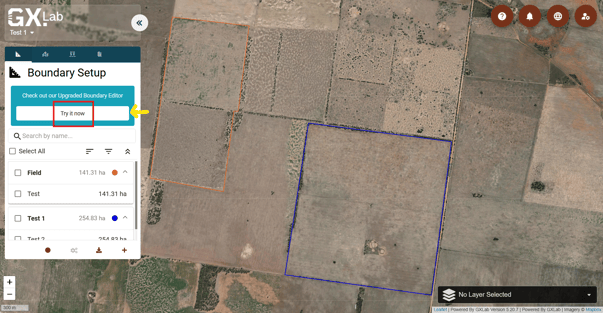
1. Open your project in the Upgraded Boundary Editor platform (GMS) by clicking the “Try it now” button under the Boundary Setup tab on the left.
2. Once your project is open in the Boundary Editor platform, click on the boundary you want to reposition.
3. In the panel on the right side of the screen, locate the “Reposition” tool.
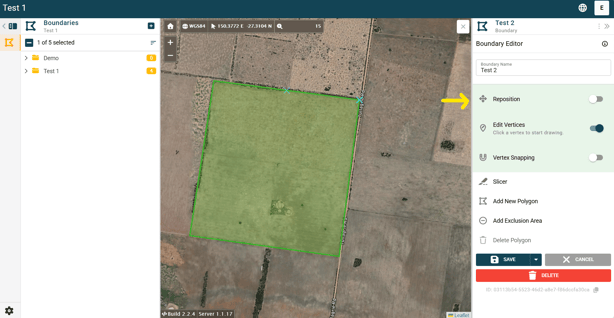
4. Toggle the “Reposition” function on.
.png?width=622&height=323&name=Screenshot%20(4).png)
5. Click and drag the boundary shape to its new position.
6. Click “Save” to apply the changes.