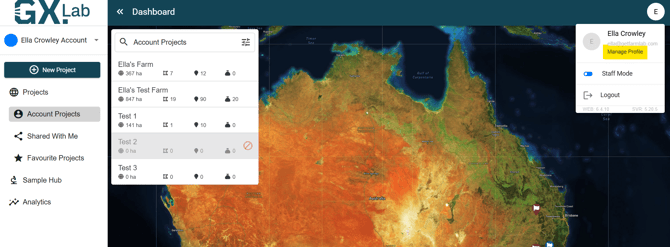
1. Once at the dashboard screen in GXLab, select the letter icon in the top right corner of the screen (in this case an 'E') and select Manage Profile.
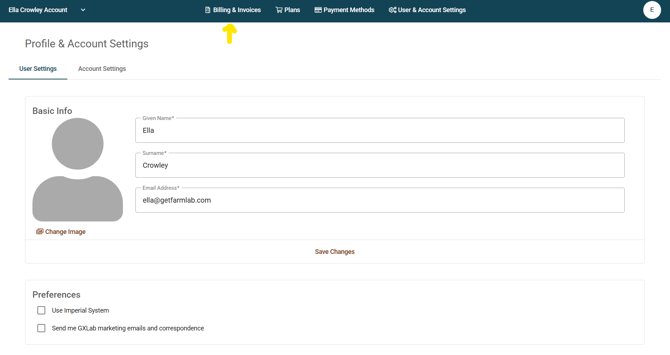
2. Then select 'Billing and Invoices.'
3. You will find all your paid and due sample submission invoices and subscription invoices here.
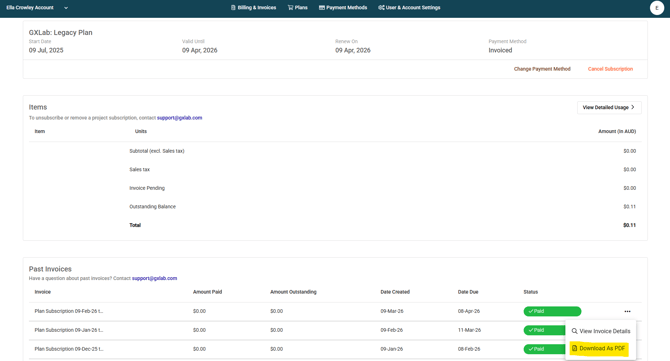
4. You can also download invoices as a pdf and export.