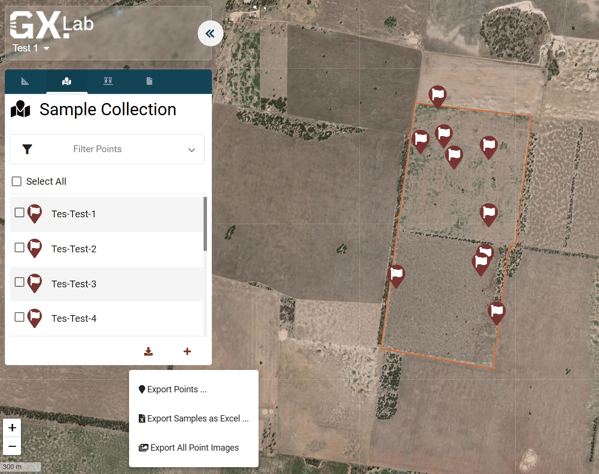
To download your photos:
1. Log onto the web app at https://projects.gxlab.com/
2. Navigate to your project on the GXLab dashboard.
3. Go to the point menu.
4. Select the 'Export Points & Samples' button.
5. Choose 'Export All Point Images'
6. Your download will commence.