
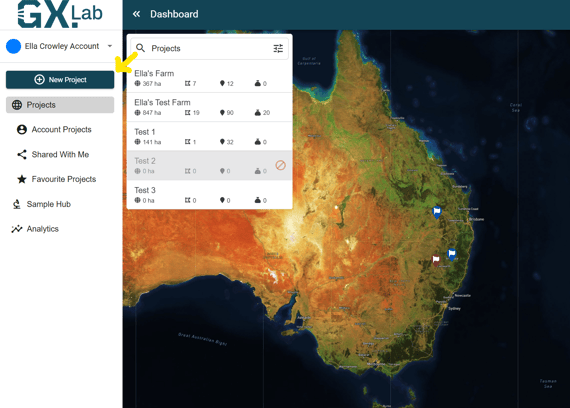
On the main dashboard GXLab screen, click on the '+ New Project' button, which is located in the top left-hand area of the screen.
This will open a 'New Project' menu, where users can enter landowner details. Please note the 'Billing Account' is separate to the landowner's details.
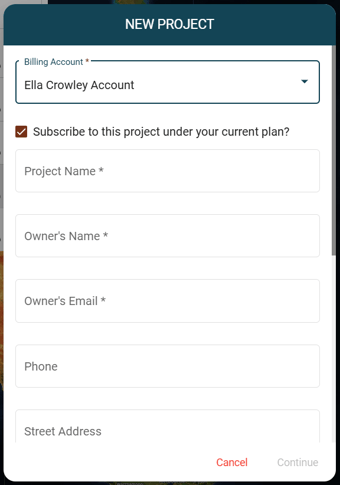
Once complete, select 'Continue', you have now created a new project.
The project will sit in the dashboard for you to search.